
No laptop · No terminal · No app store

Build a real app on your phone.
Send a link. Nothing to install.

Describe what you want on your phone. Saddle builds it and puts it online — sign-ins, saved data and hosting already in it. Then it is a link. Whoever you send it to opens it in the browser they already have: no app store, no download, and an account only if you ask for one.

Try for free.

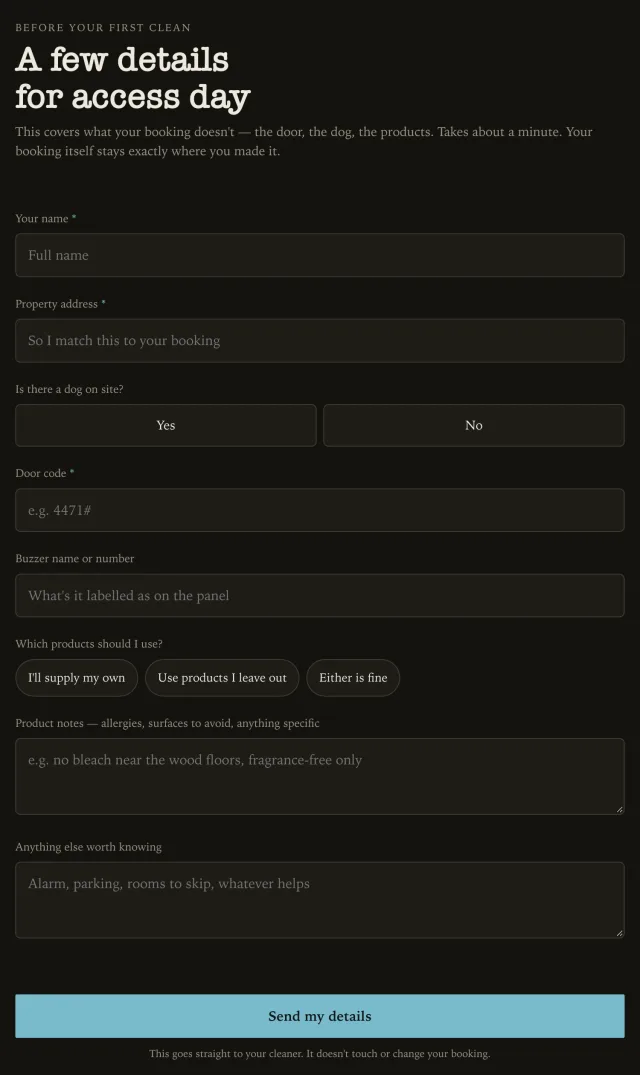
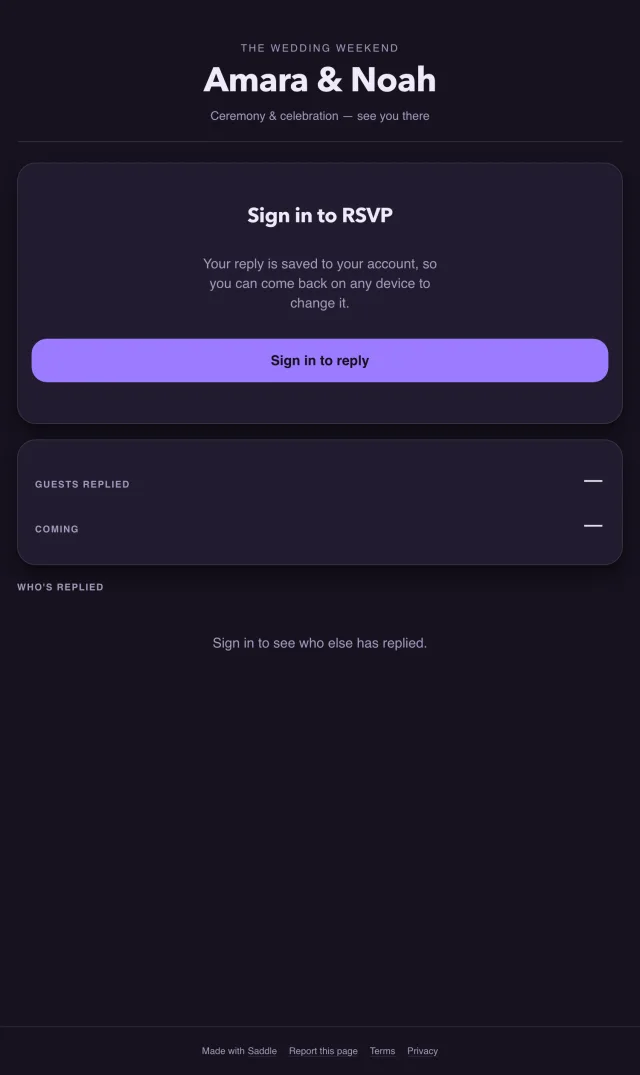
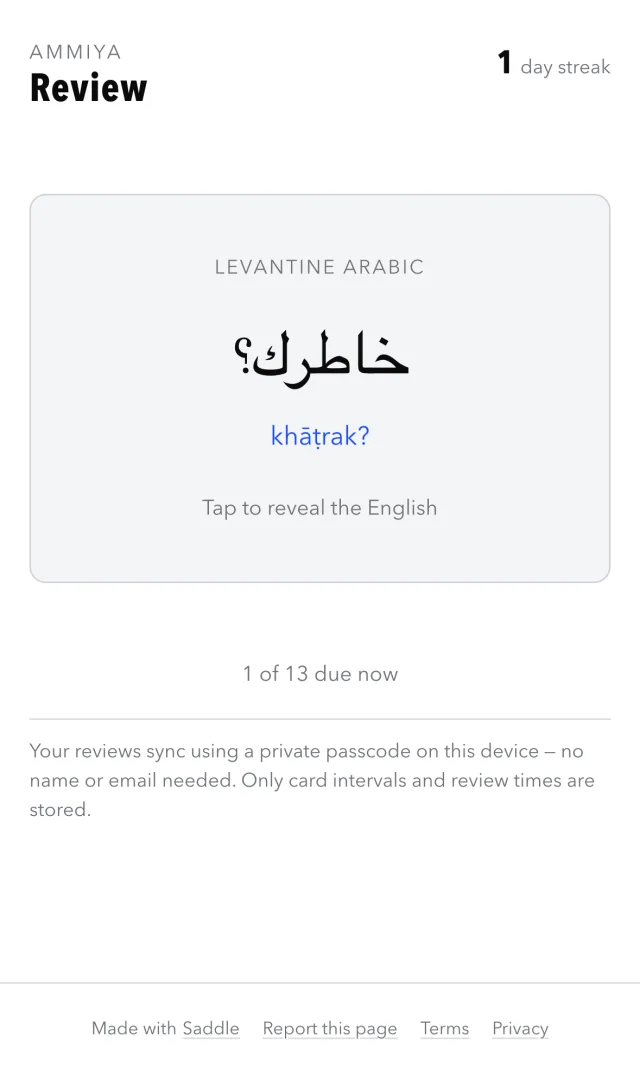
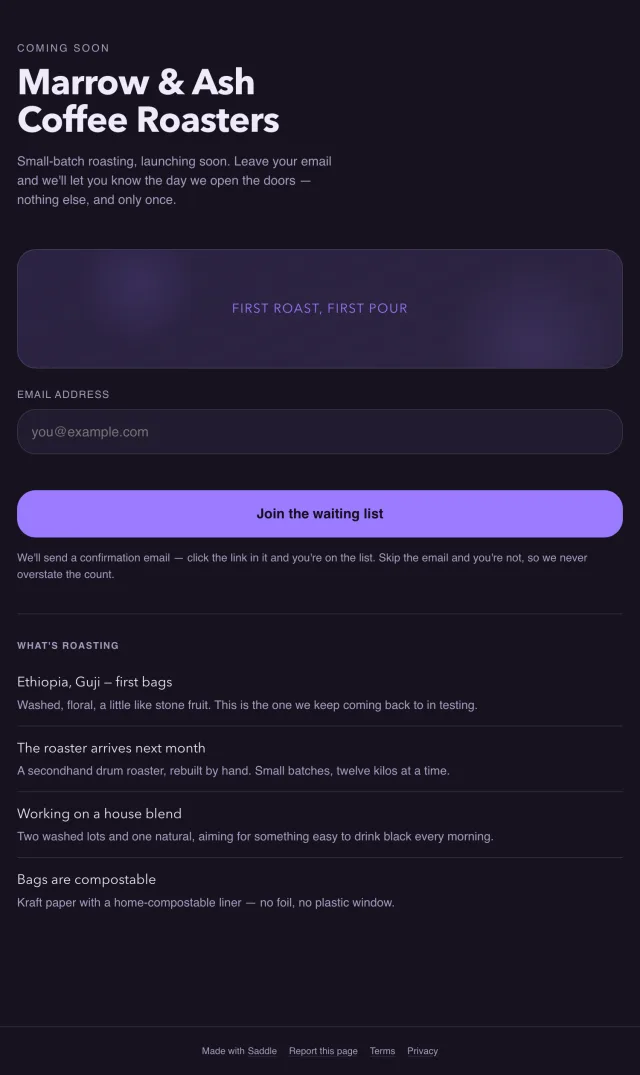
Apps built this way:

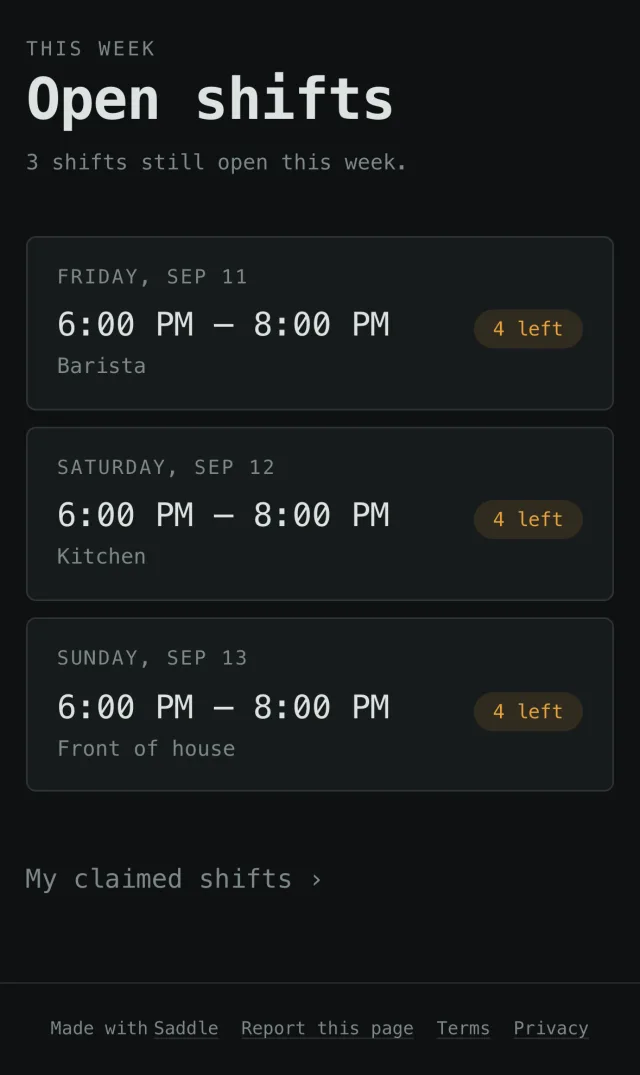
Showing Cafe rota, built by Saddle and live at app.saddle-sites.com/site/cafe-rota.

Cafe rota, an app built with Saddle
app.saddle-sites.com/site/cafe-rota

How it works

Describe it on your phone. It’s live on its own link.

This is the cafe rota from the top of the page, at each step, on a phone. The screens are Saddle’s own — every one of these was done on the phone, because there is no other half of Saddle to go and do it on.

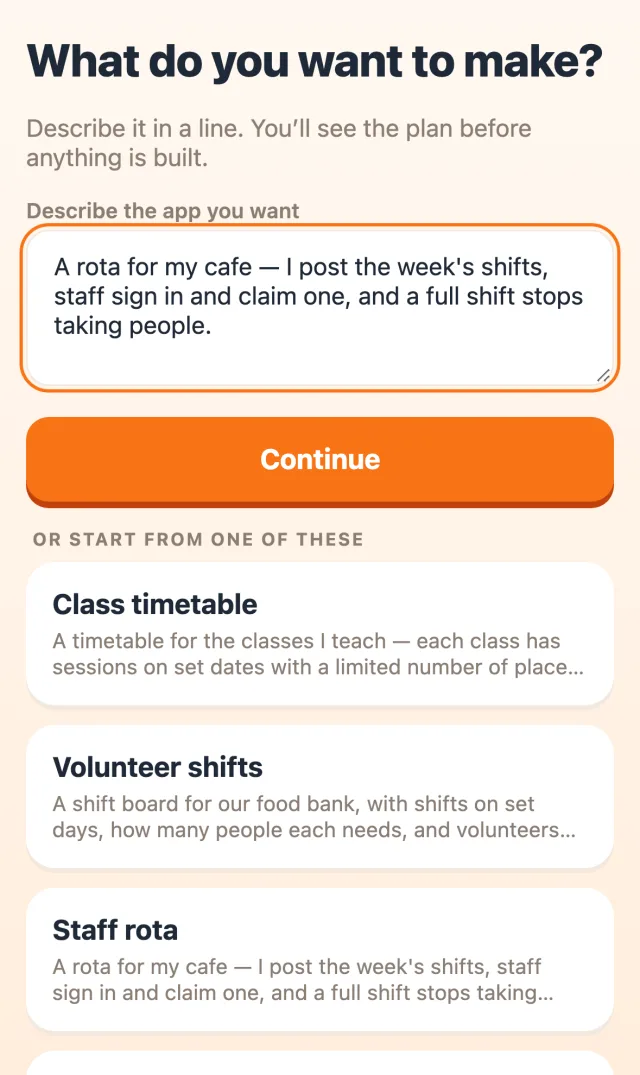
  1. Saddle’s builder with the cafe rota description typed in
    build.saddle-sites.com

    Describe it

    Say what it’s for and who uses it. Write it the way you’d text a friend. On your phone, in the queue, on the sofa.

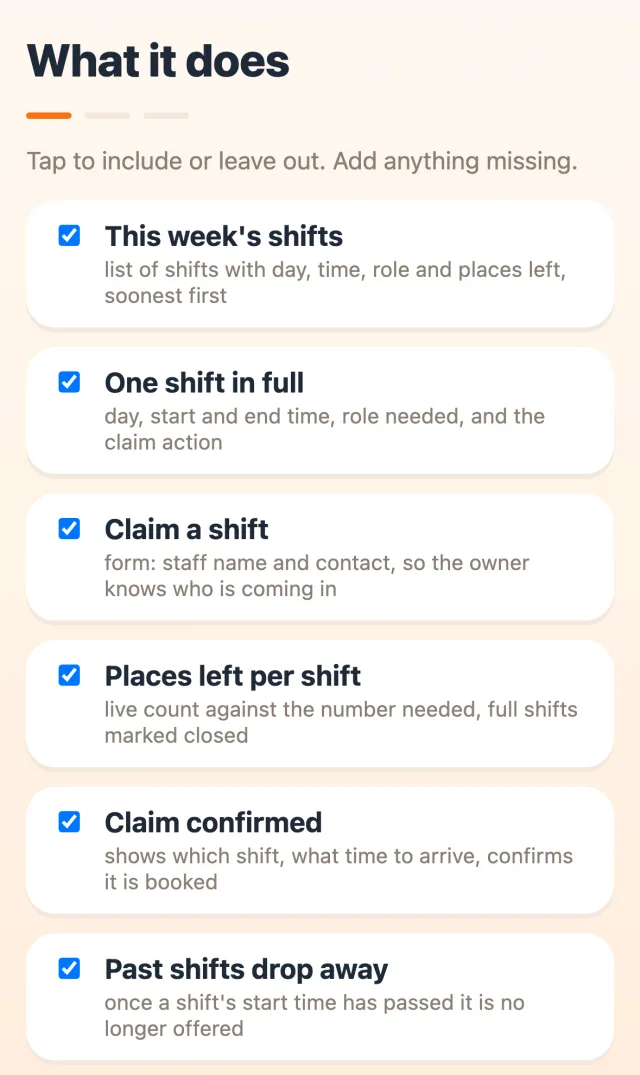
  2. The plan Saddle proposed for the cafe rota, as a checklist of features
    build.saddle-sites.com

    Check the plan

    Saddle lists what the app will do. Tick what you want, untick what you don’t, add anything it missed. Nothing is built until you say so.

  3. The finished cafe rota, live on its own link
    app.saddle-sites.com/site/cafe-rota

    Send the link

    Saddle builds it and puts it online. Text the link to whoever needs it. It opens straight in their browser — no app to install, no account to make first.

Why most people build one

Keep the system you pay for. Add the part it won’t do.

Hardly anyone here starts from nothing. They pay every month for software that does most of the job, ask for the one piece it misses — pricing that depends on the dog, the door code for that building, which client wants which products — and get told to put it in the notes field. It never arrives, because they are not who it was built for.

A Saddle app is small enough to sit beside what you already have. Your bookings stay exactly where they are. The app holds the thing your booking system refused to hold, on a link you can hand to a client or to staff.

“they never add it because you’re not their target market”

a cleaning business owner, on why the missing feature never arrives

What a companion app has to do

What you get

It holds up when real people use it

The parts that usually send you back to a laptop are already in every app.

A link, not an app store
Every app gets its own web address. It opens in the browser already on their phone — nothing to install, no review to wait for, and no account unless you ask for one.
Nothing to keep updating
Post next week’s shifts, add a session, change a price — from your phone, in Saddle. Everyone holding the link sees it. That is editing content, not rebuilding an app, and it is the part most tools make you do twice.
Sign-ins that work
When you do want accounts, staff, guests or customers get real ones. Each person sees their own answers, on whatever device they pick up.
Limits that hold
A full class or shift says so and stops taking bookings. The count is kept on the server, not in someone’s browser, so two people tapping at once cannot both get the last place.
Replies come to you
Bookings, sign-ups and requests land in Saddle, where you read them on your phone. The list exports as a spreadsheet when you need it somewhere else.
AI inside the app
An app can write its own content, like a flashcard deck that makes its cards from what you want to learn.
Online the moment it’s built
No servers, domains, databases or terminal. Nothing to set up before it works, and nothing to keep running after.

The honest bit

The three things people ask before they try it

Don’t I still have to keep updating it?

This is the fair version of the objection, and the answer is that posting next week is not rebuilding anything. You open the app in Saddle, type the shifts or the sessions or the new price, and everyone holding the link has it. The app itself is untouched. You only describe something again when you want it to do something new.

Will my people actually use it?

They will not install anything, and with a Saddle app they do not have to. Staff call scheduling apps invasive, volunteers drop out at the download, and wedding guests text you instead of opening the site. A link opens in the browser on the phone they are already holding. Ask people to sign in only where someone needs to come back and change their own answer.

Do I need a computer for the fiddly parts?

No, and this is where most of the alternatives quietly fail: their phone app can show you what a desktop made, then sends you back to a desk to change it. Saddle has no desktop half. Describing it, checking the plan, publishing it and editing it a month later all happen in the same browser tab on your phone.

Pricing

Free for 7 days. After that, one price.

The comparison worth making isn’t $20 against free. Owners doing this kind of work are already paying $120 to $450 a month across three or four subscriptions, and still doing part of the job by hand. This is $20 beside that — or instead of the next one you were about to add.

Saddle Pro

$20/month

Your first 7 days are free. 20,000 credits a month.

  • About 13 new apps or 40 edits a month
  • Unlimited published apps
  • Sign-ins and per-person data
  • AI inside the apps you build
  • Cancel any time
Start building
How the free week works
  1. Describe your app, or start from one of ours. Saddle builds it.
  2. Sign in.
  3. Your app goes live on its own link, free for 7 days, with 3 free changes.
  4. To keep it live after that, or to build more, it is $20 a month.
  5. Cancel any time in Saddle under Account, then Manage subscription.

Running a club or a volunteer group on no budget at all? There is no free plan, but the first 7 days are free: long enough to build a sign-up sheet and see it work. Read the pricing questions.

Who it’s for

For the job you’re still doing by hand

What would you make first?

Describe it to start, and you can do the whole thing on the phone you’re holding. Try for free.

Plan my app